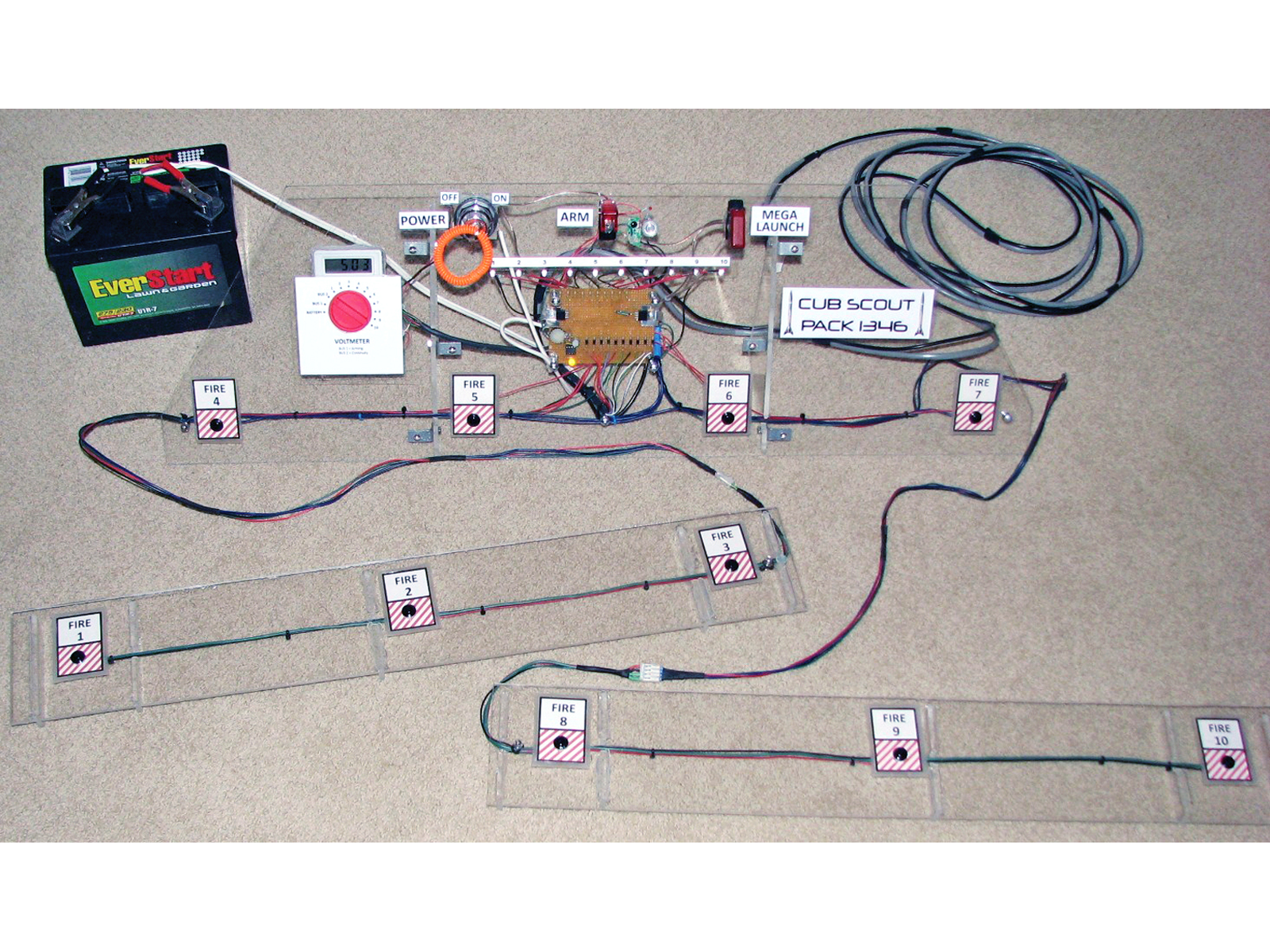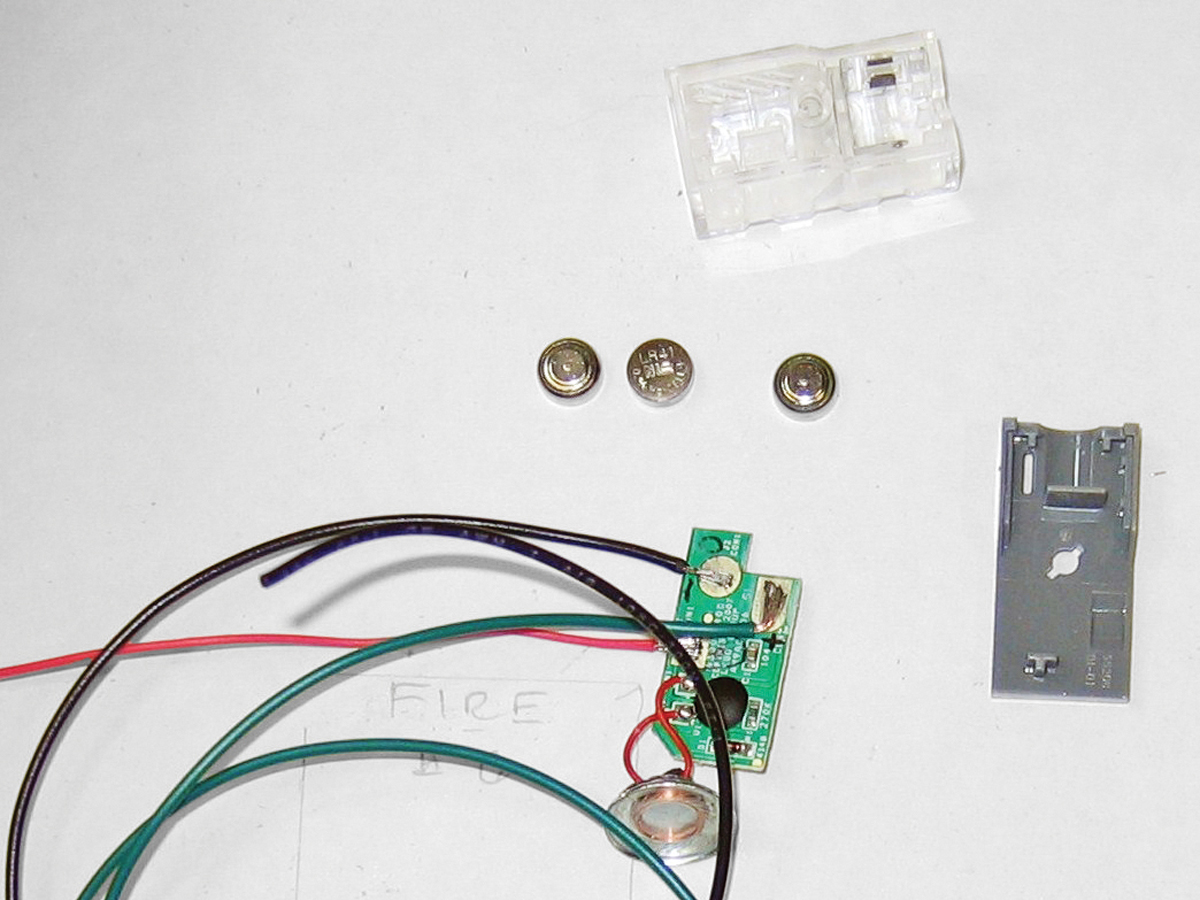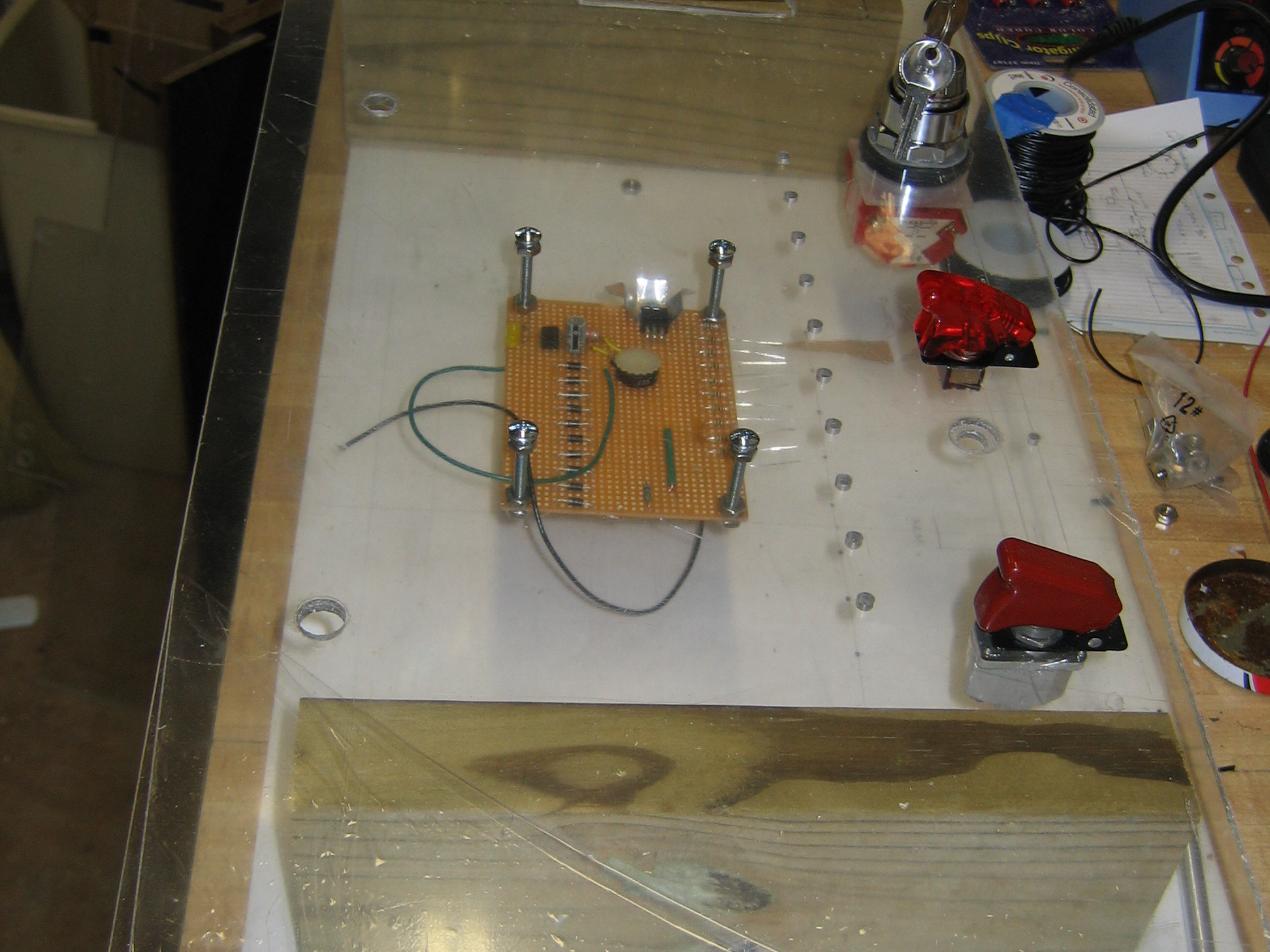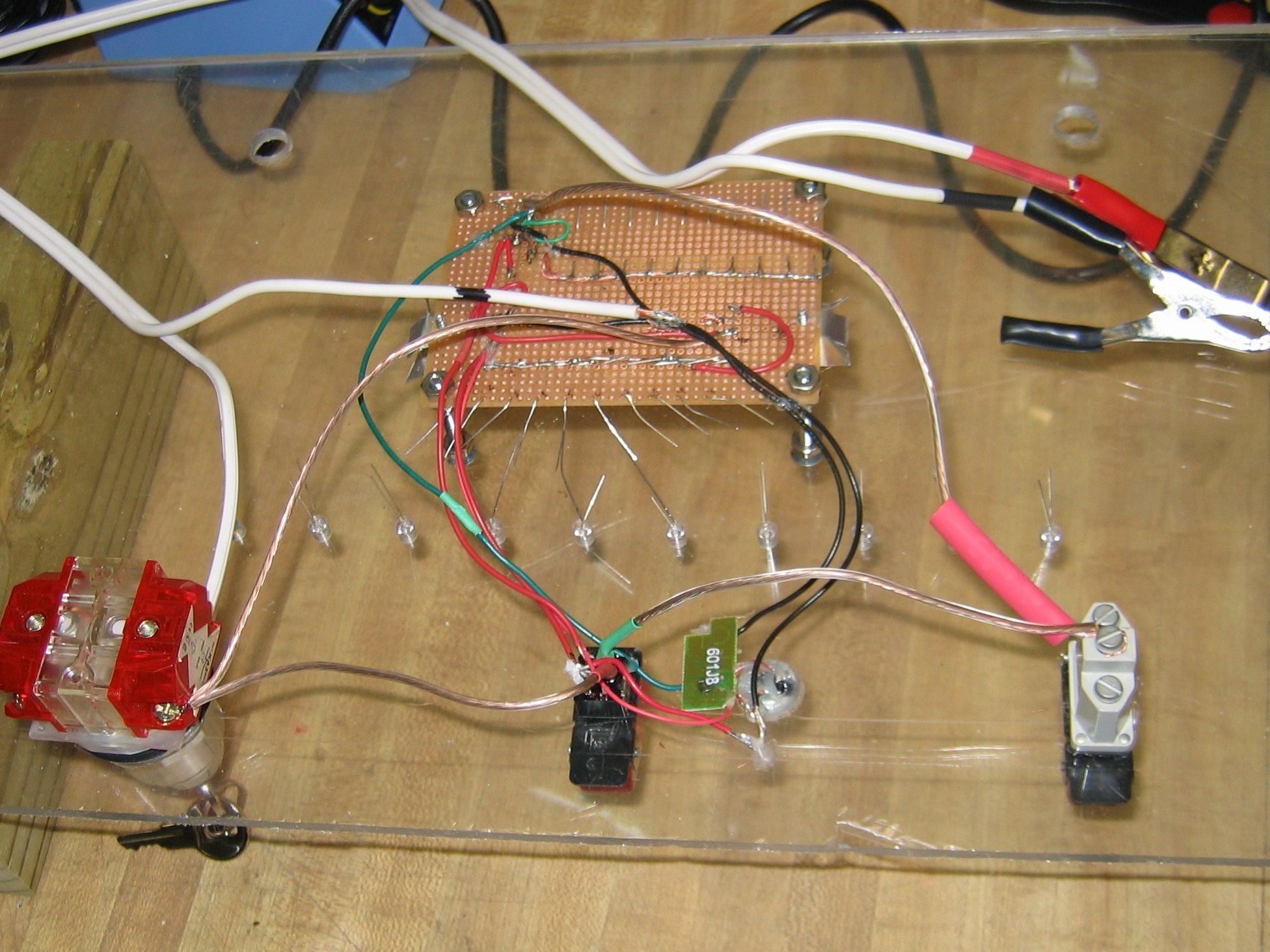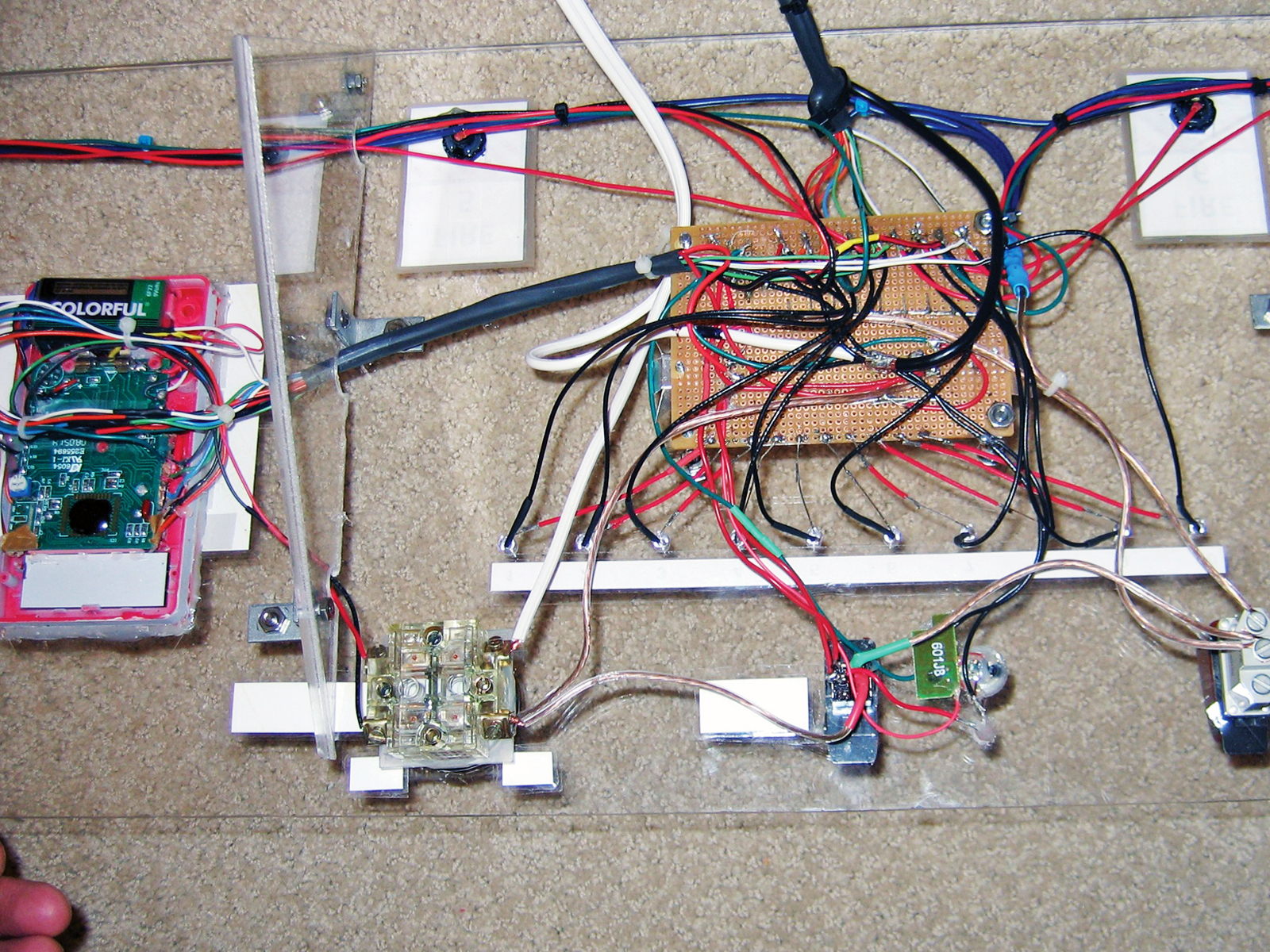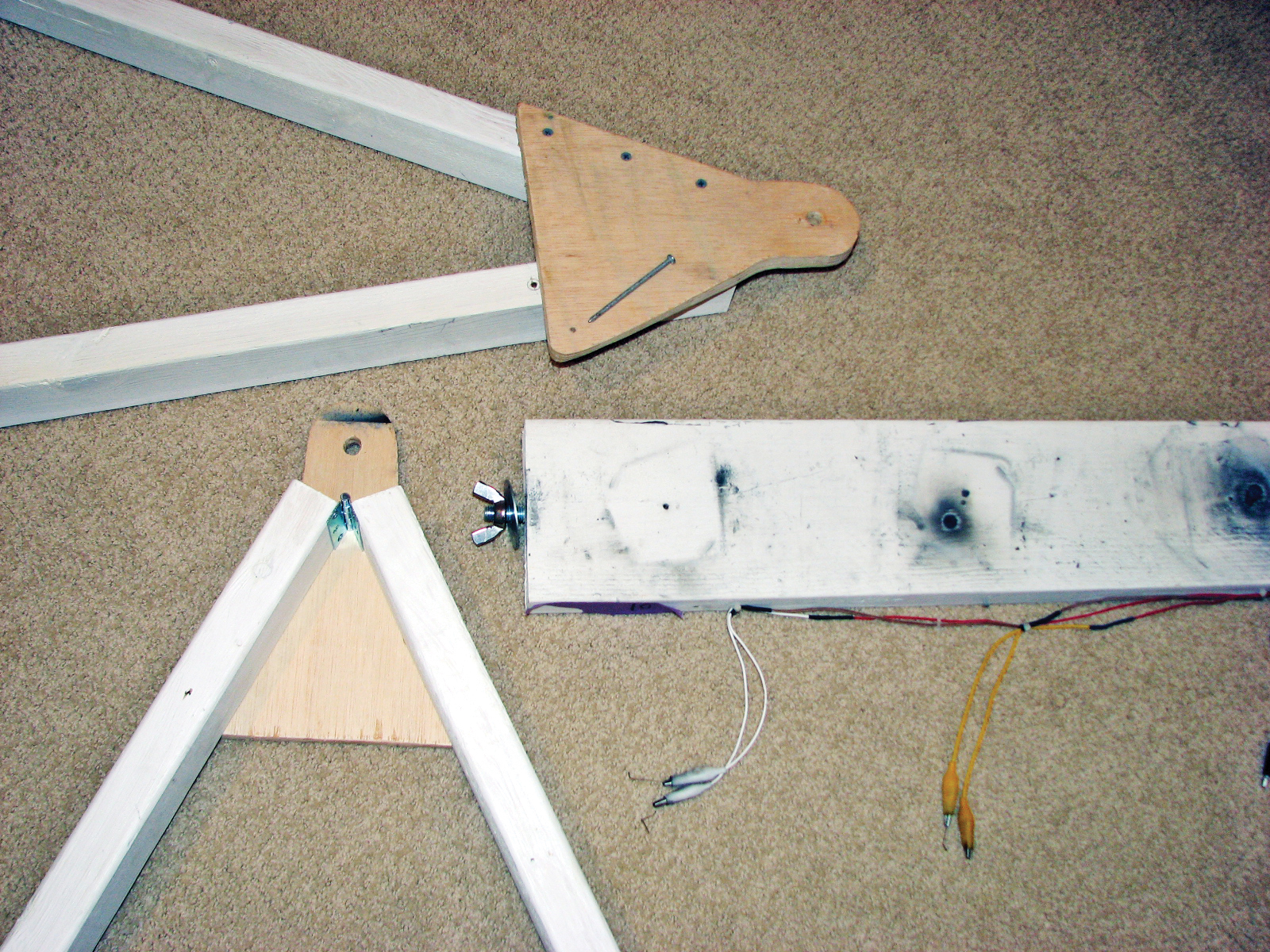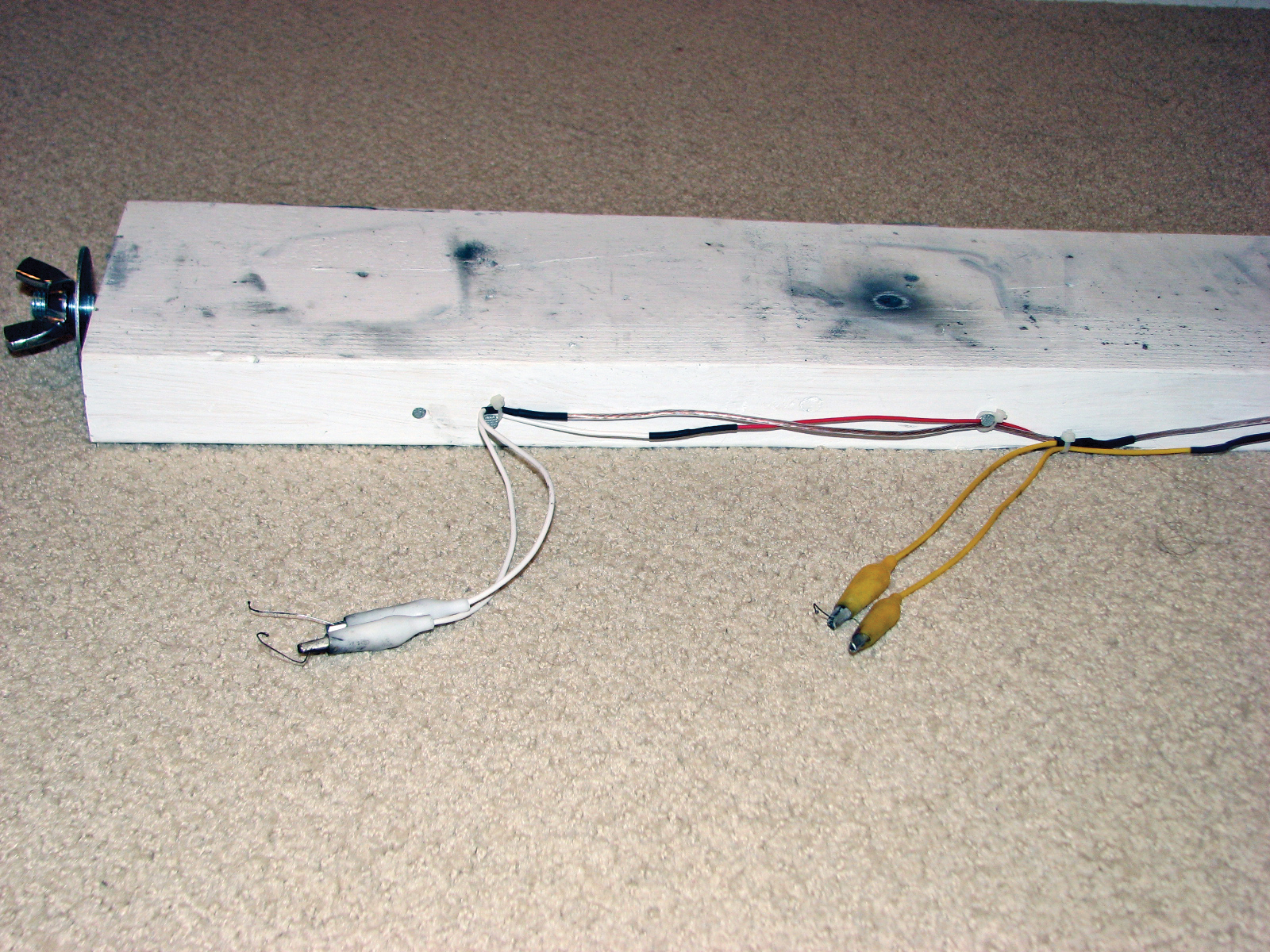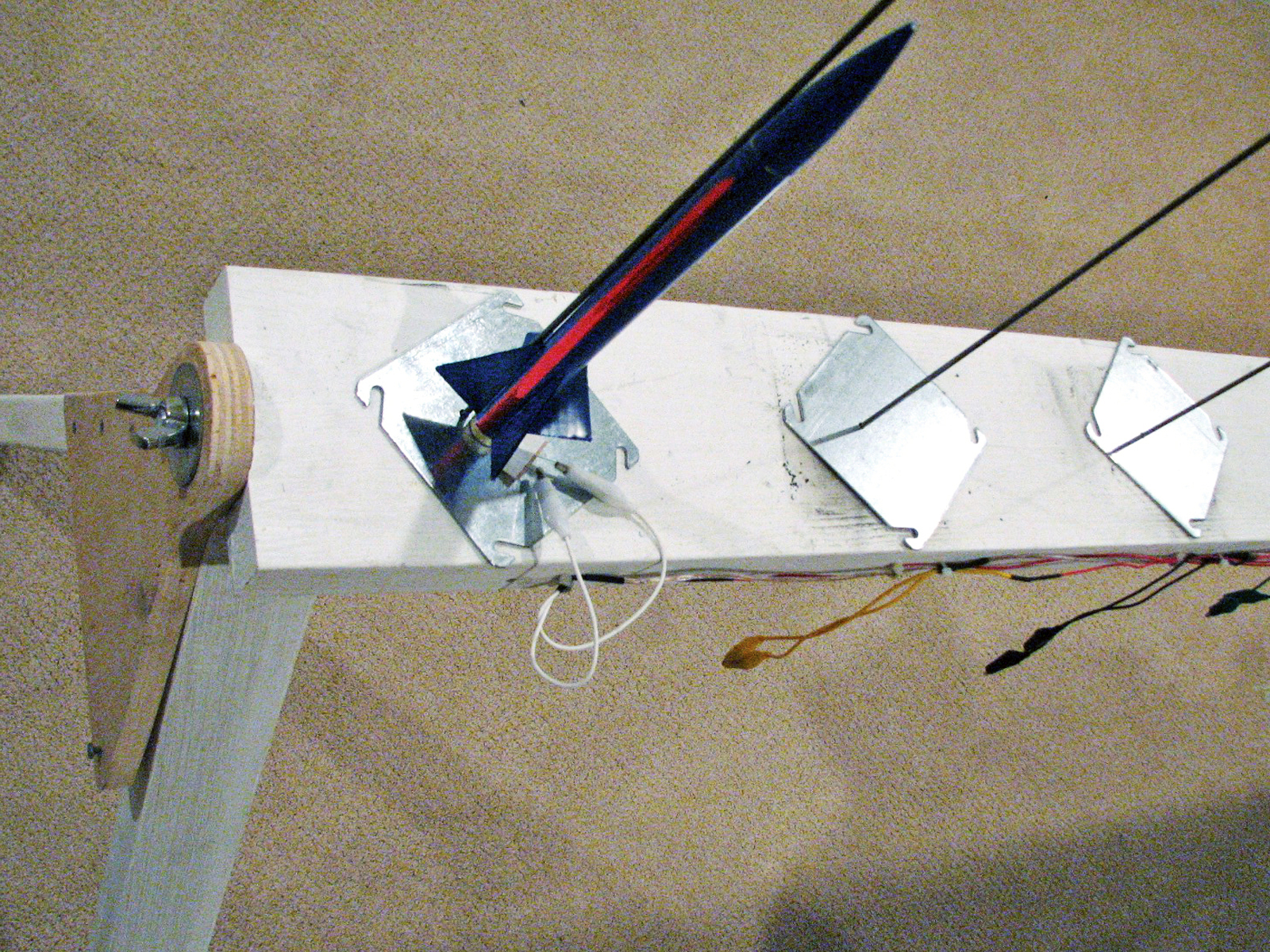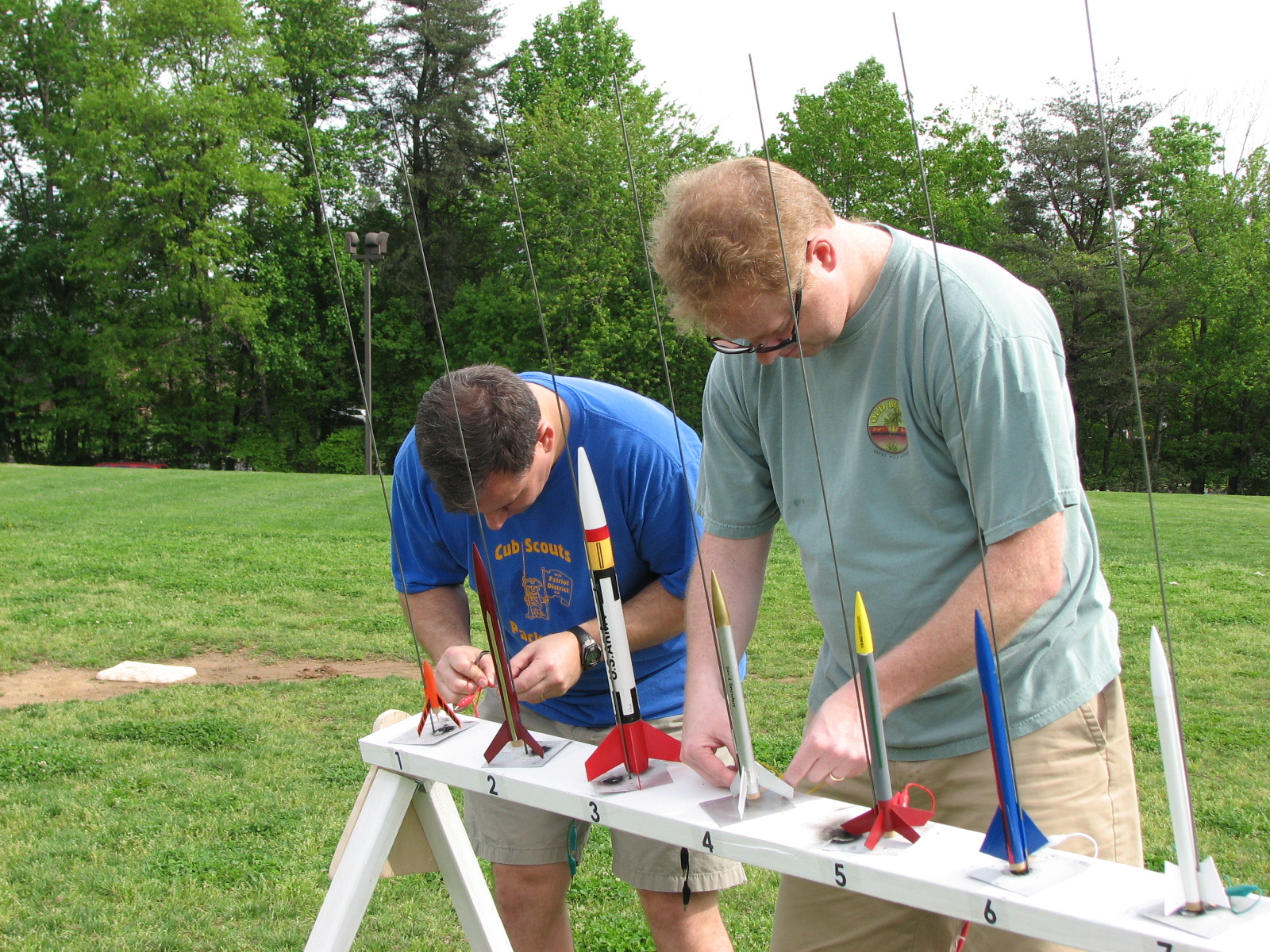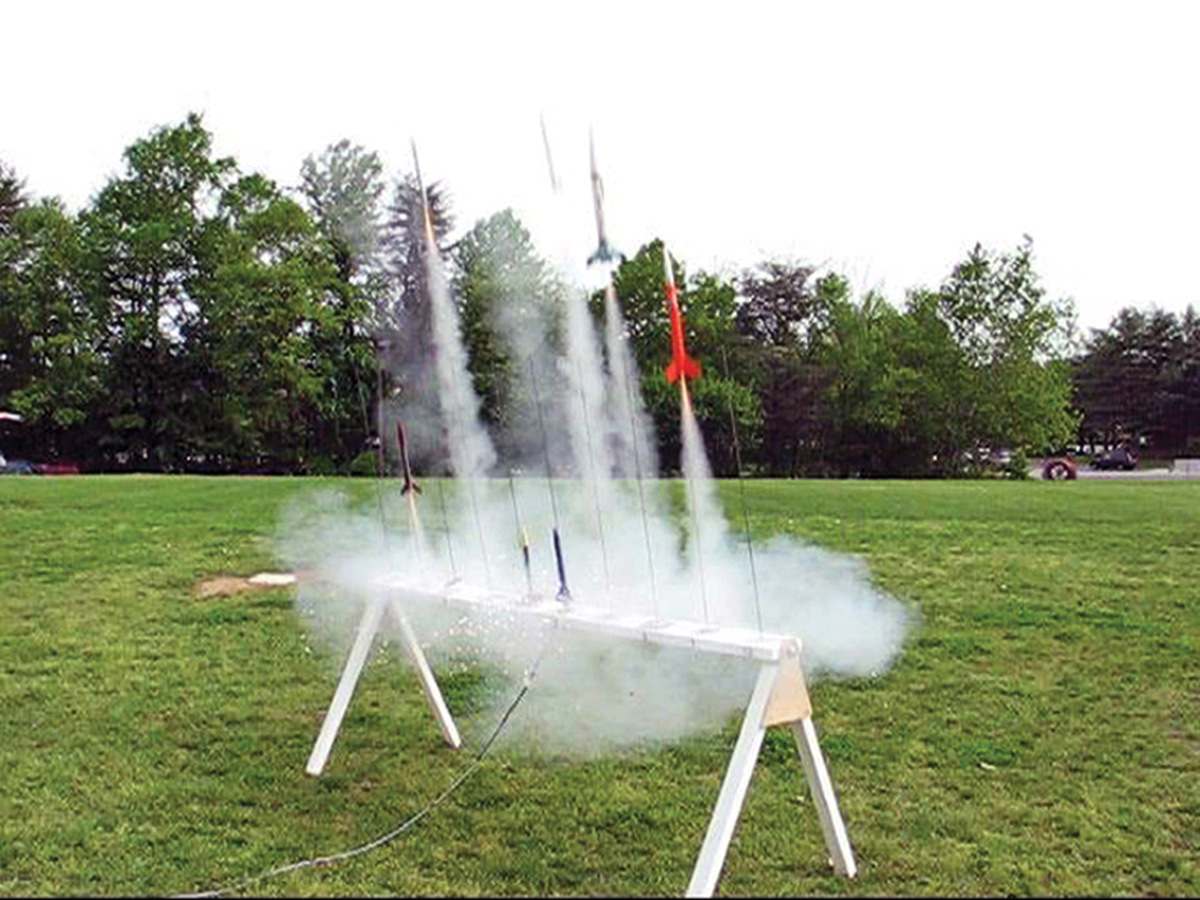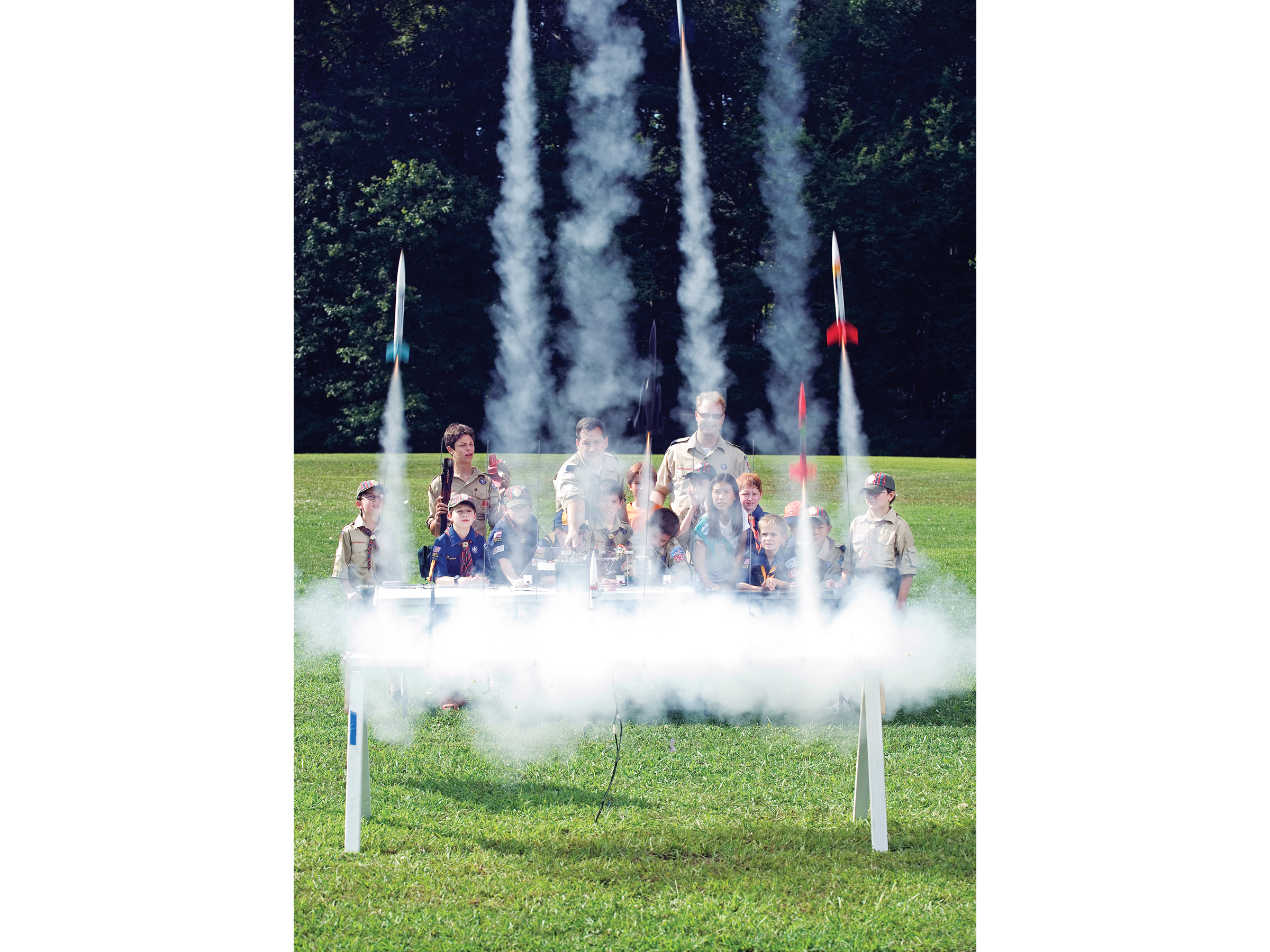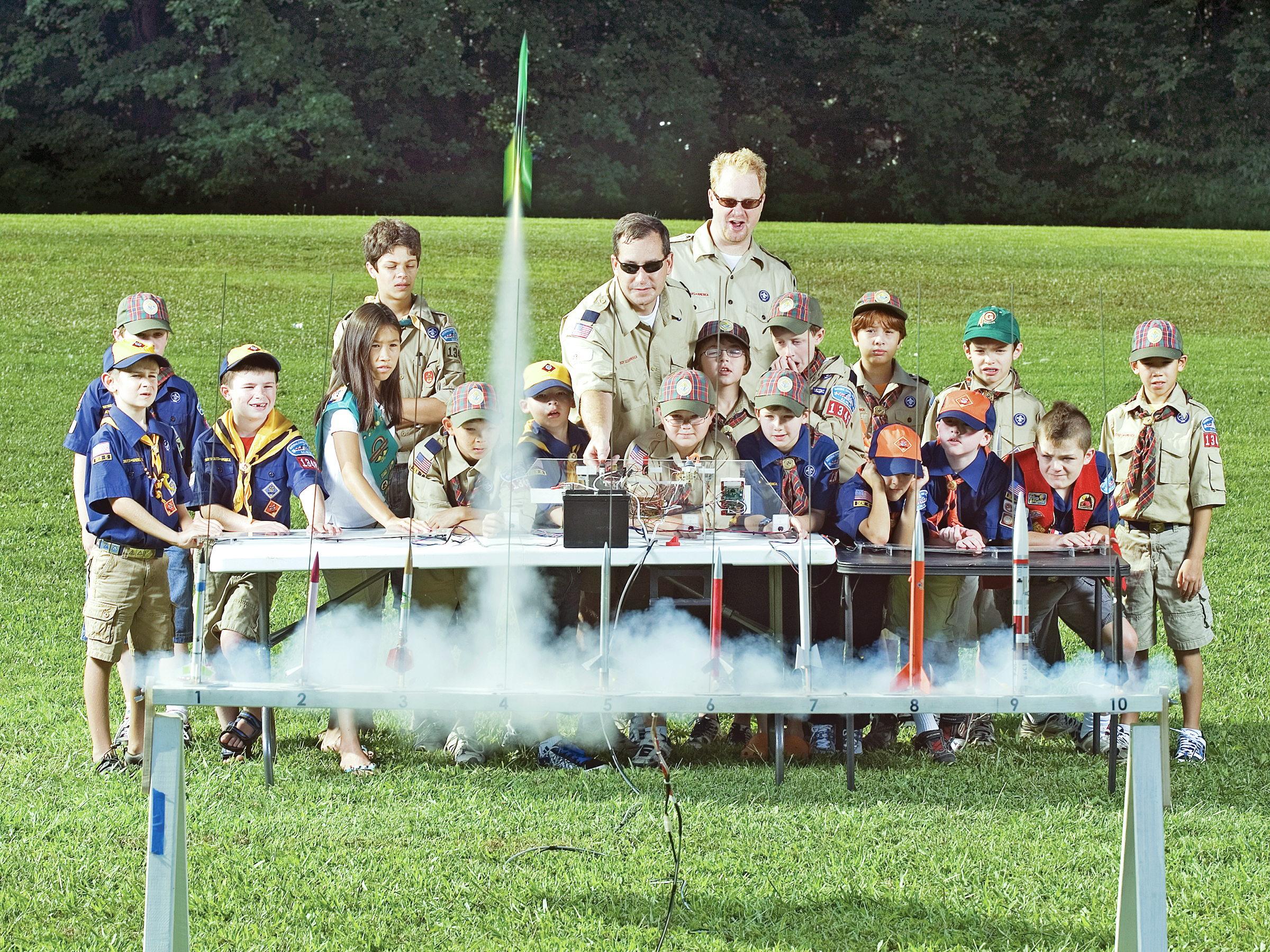


At last year’s annual Cub Scout Pack 1346 rocket derby, nearly 100 rockets were launched, testing the attention span of many younger scouts. For this year’s event I wanted to build a system that would create more excitement and keep the pace of the launches moving along. This 10-pad mega-launcher is the result of that initial inspiration.
This system gives kids the fun of pressing their own launch buttons, and for added drama, sounds a klaxon before each launch. For the finale, a “Mega Launch” switch shoots off all 10 rockets at once.
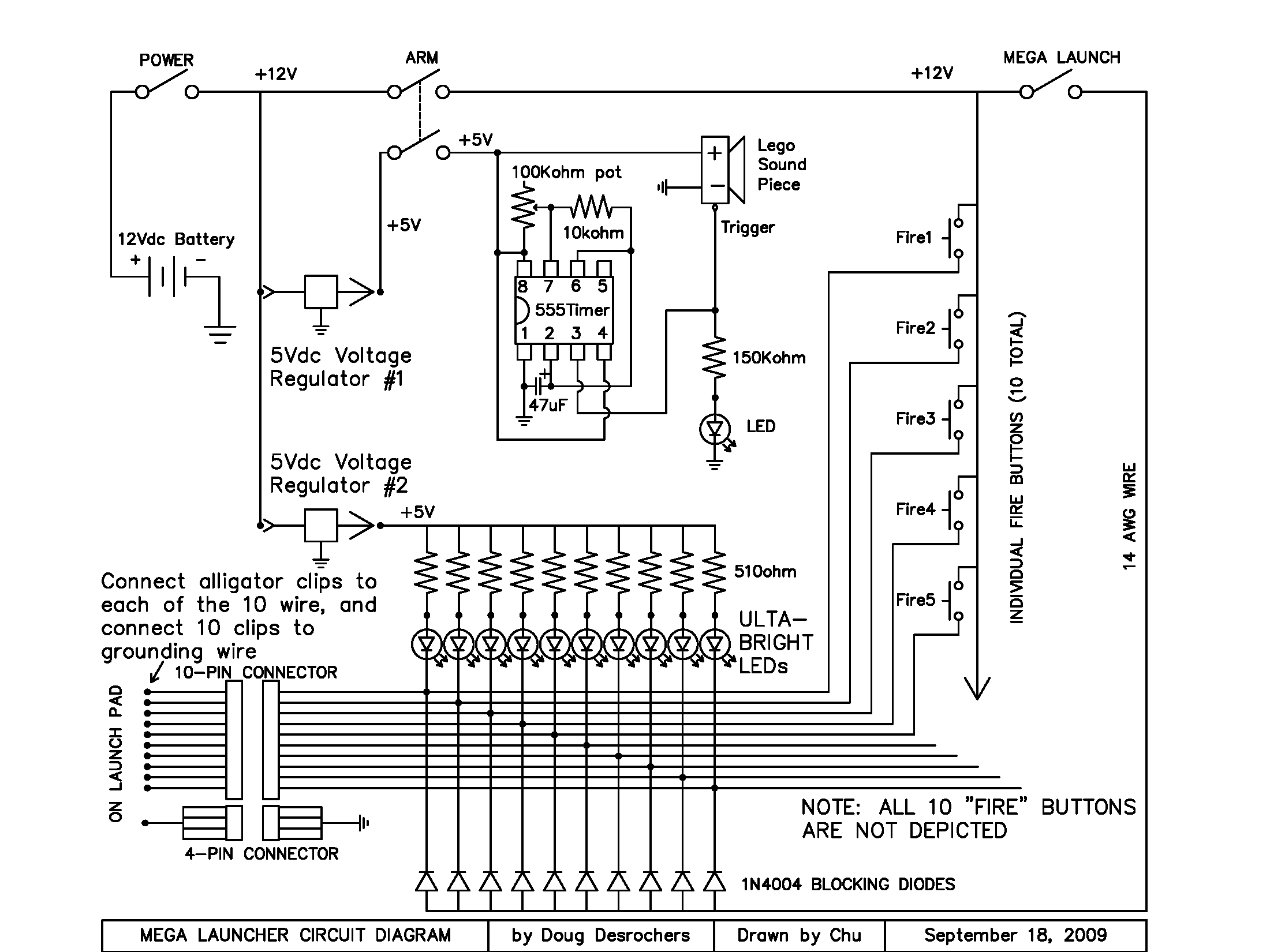
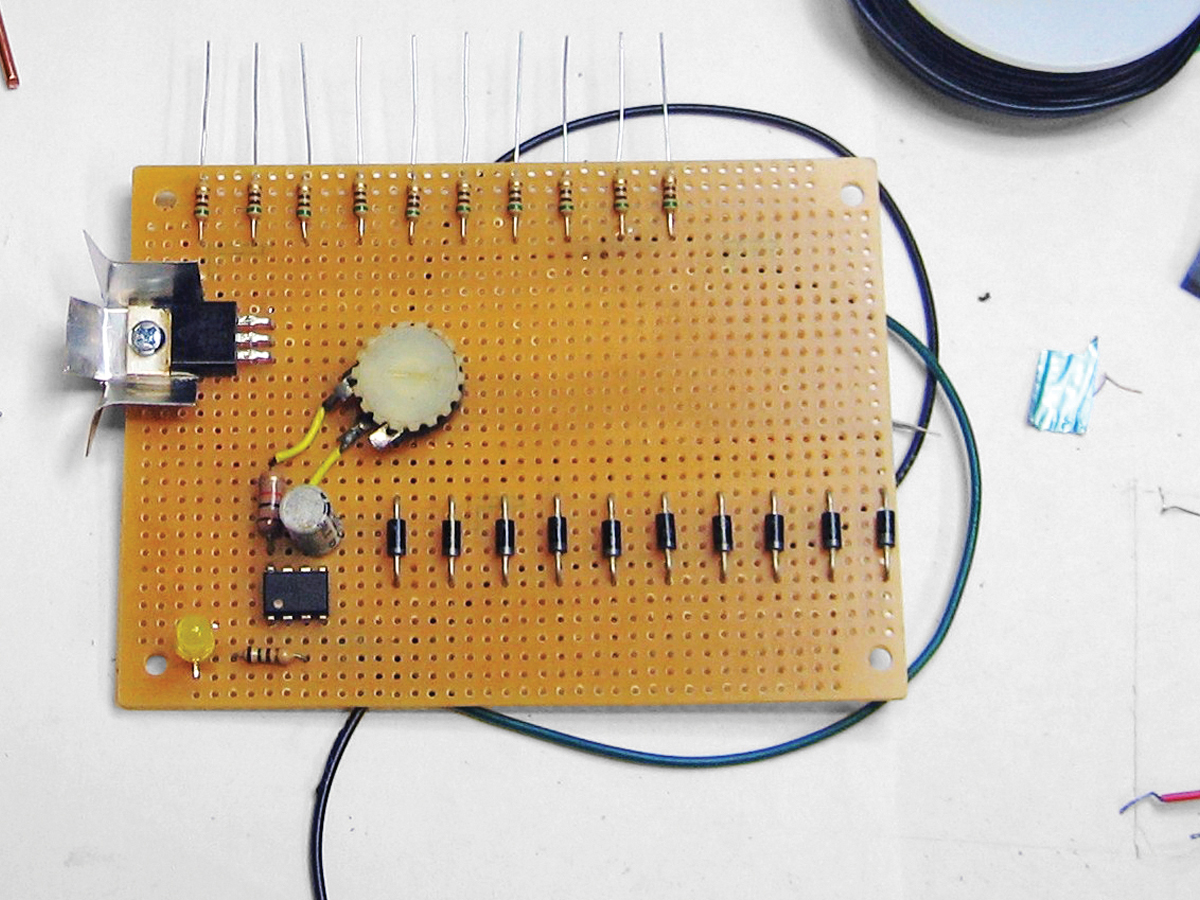
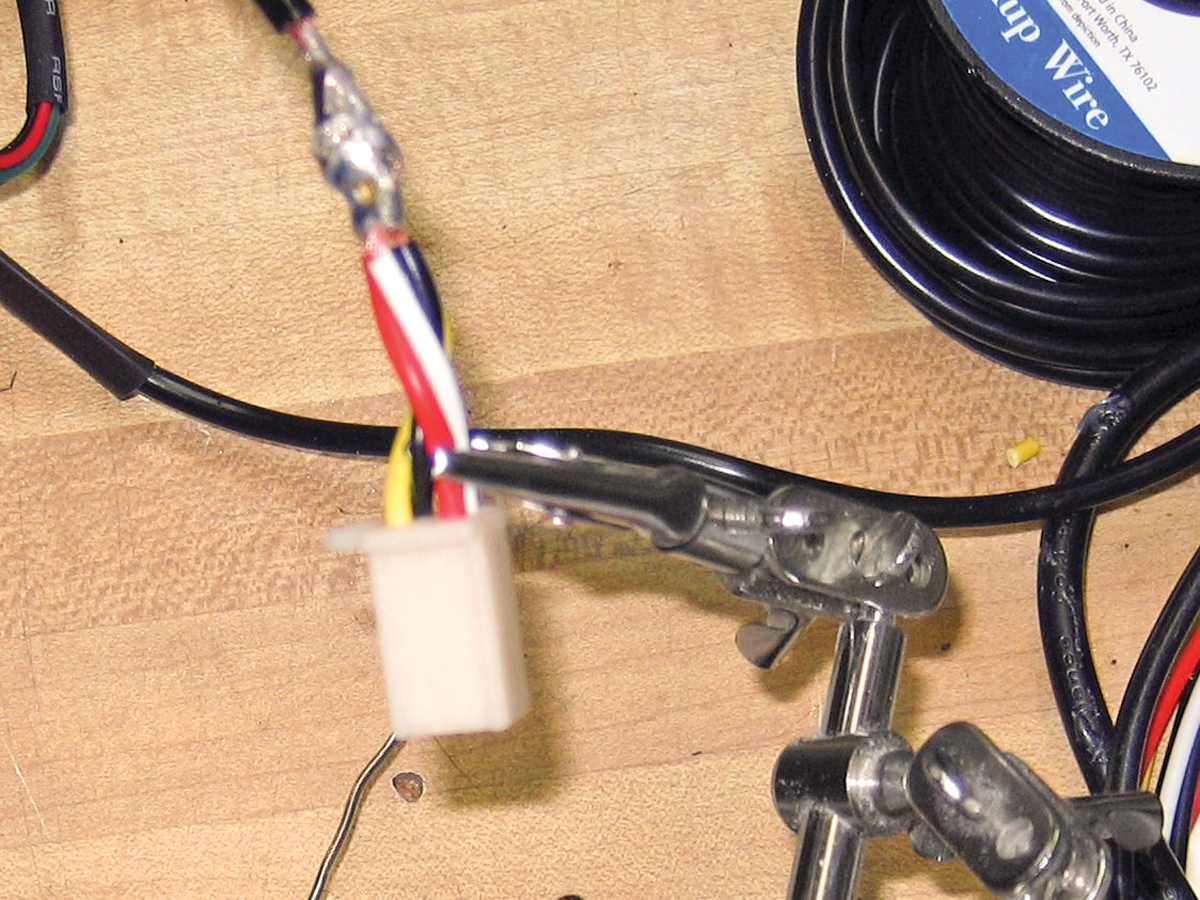
I also wanted to minimize the chance of an unfired rocket left on the pad while the others soared skyward, disappointing a child. Therefore, this system has always-on igniter continuity checks, using LEDs to show which igniters are ready. Blocking diodes allow dual-use of the wire harness — for continuity check and launch voltage — thus halving the number of wires to the launch bar.
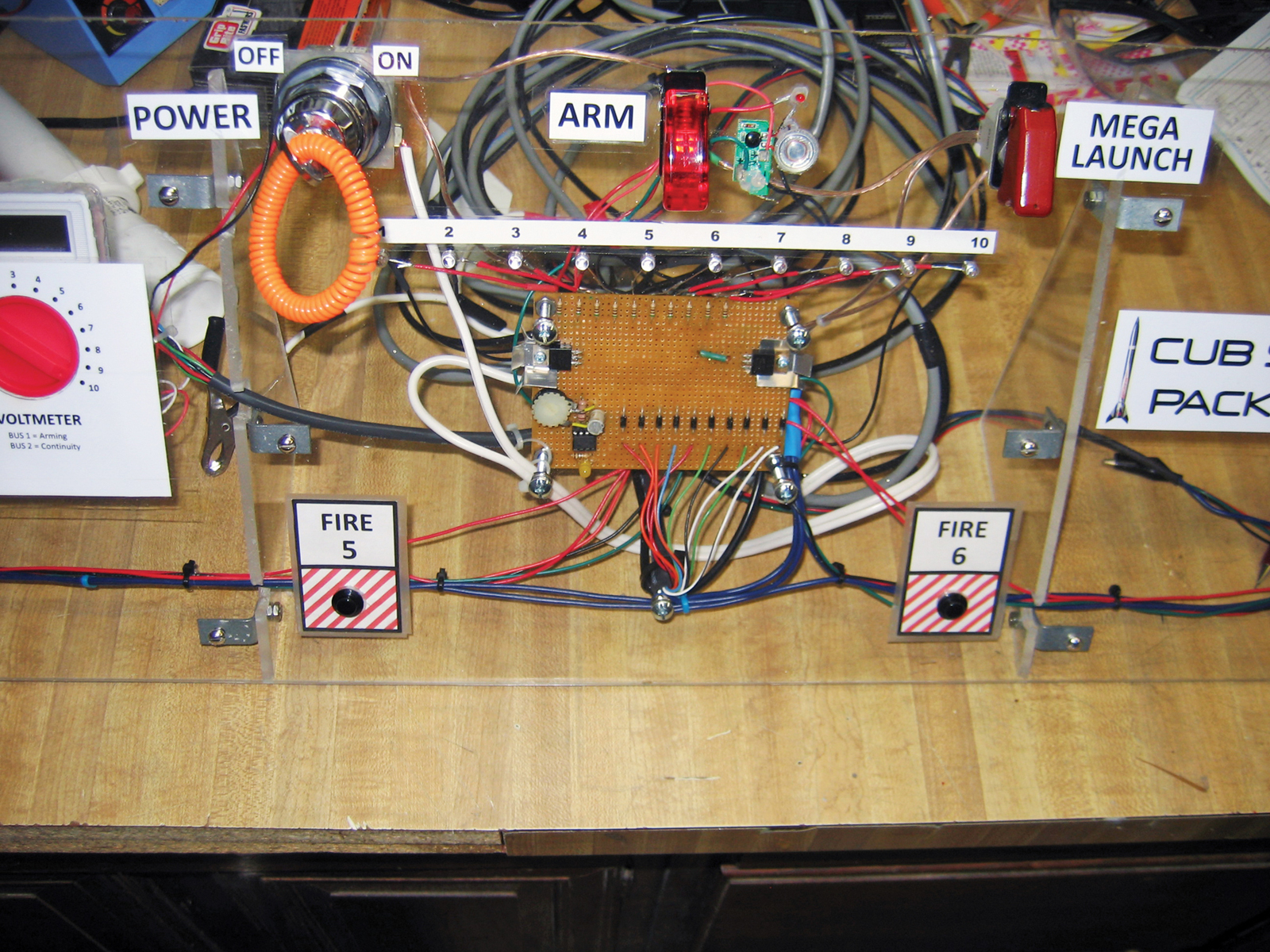
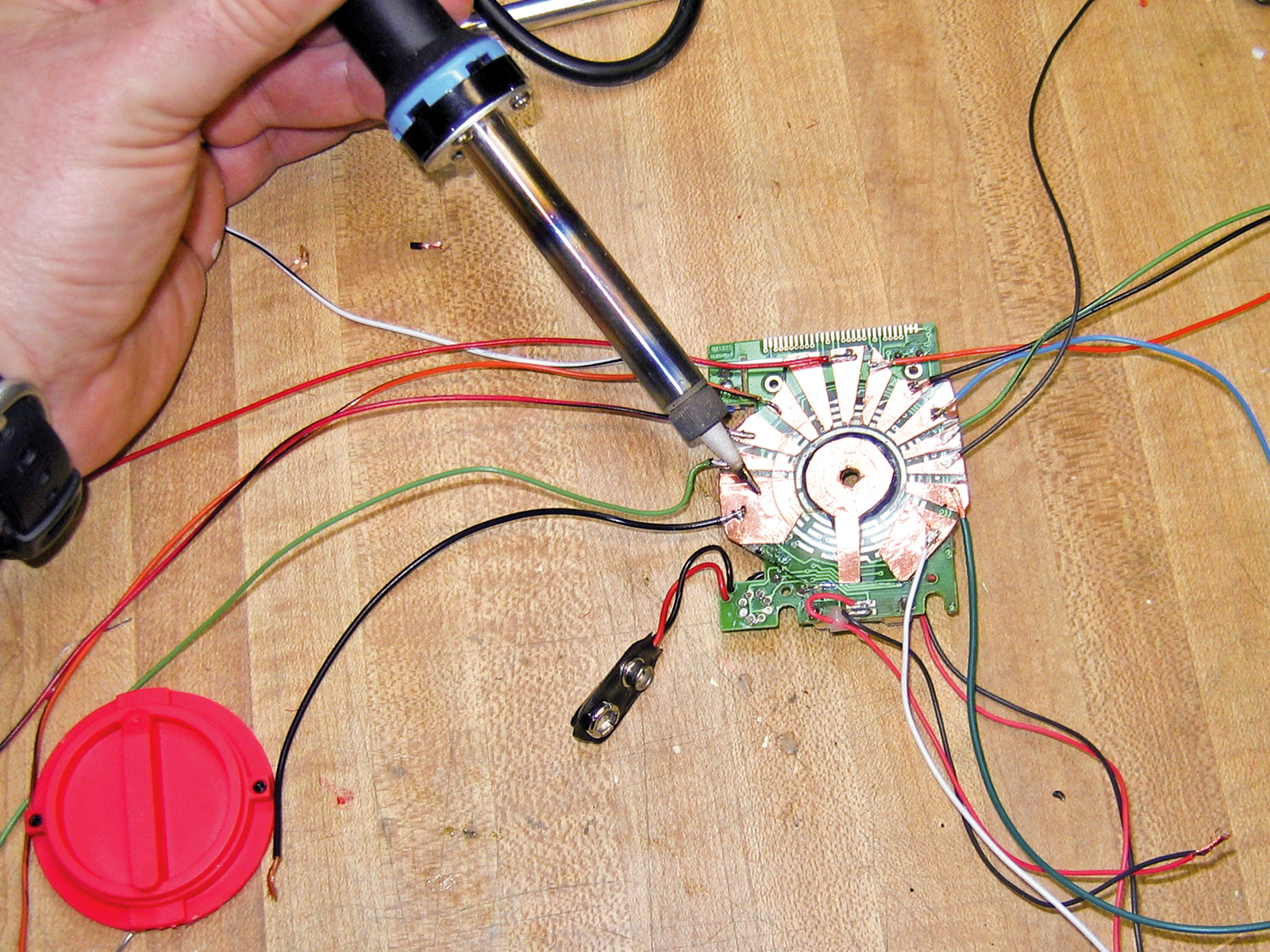
The system also needed to withstand rough handling from lots of kids, so I used copious amounts of hot glue, heat-shrink tubing, and zip ties. And along the way, another goal became showing the kids that a system like this isn’t complicated, which is why I put the workings behind clear plastic.