Make: Projects

2-Player Pong Game with Arduino Uno

Classic Pong game using an Arduino Uno and a Nokia 5110 screen.

  • By Jake Spurlock
  • Category: Arduino, Electronics
  • Time Required: 1 Hour
  • Difficulty: Moderate
2-Player Pong Game with Arduino Uno

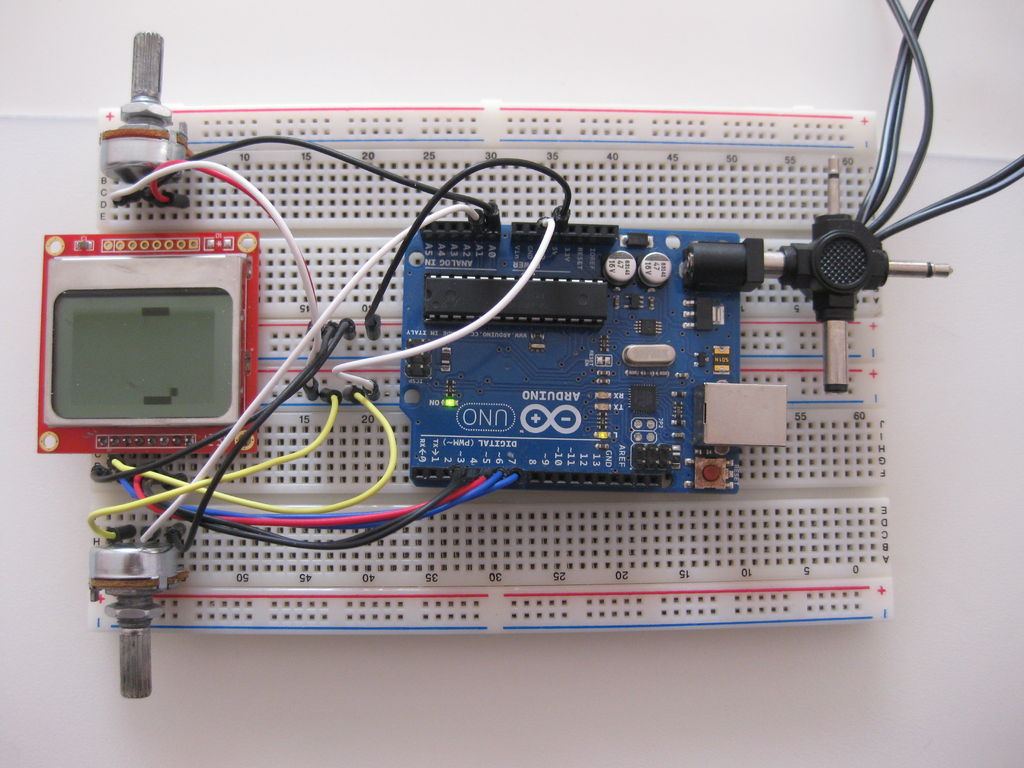
Classical Pong game implemented on an Arduino Uno using a PCD8544 LCD screen which is better known as the Nokia 5110 screen.

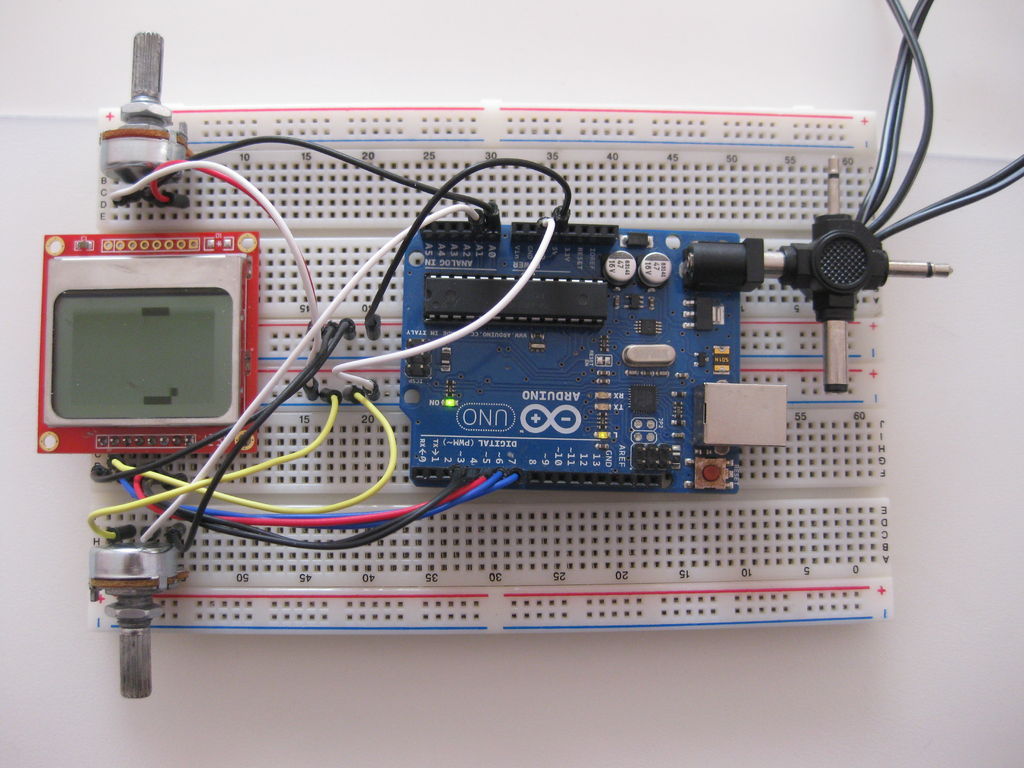
Player bars are controlled by a potentiometer for each player. If you want the bar to go left, just turn the potentiometer left.

Steps

Step #1:

Next
2-Player Pong Game with Arduino Uno
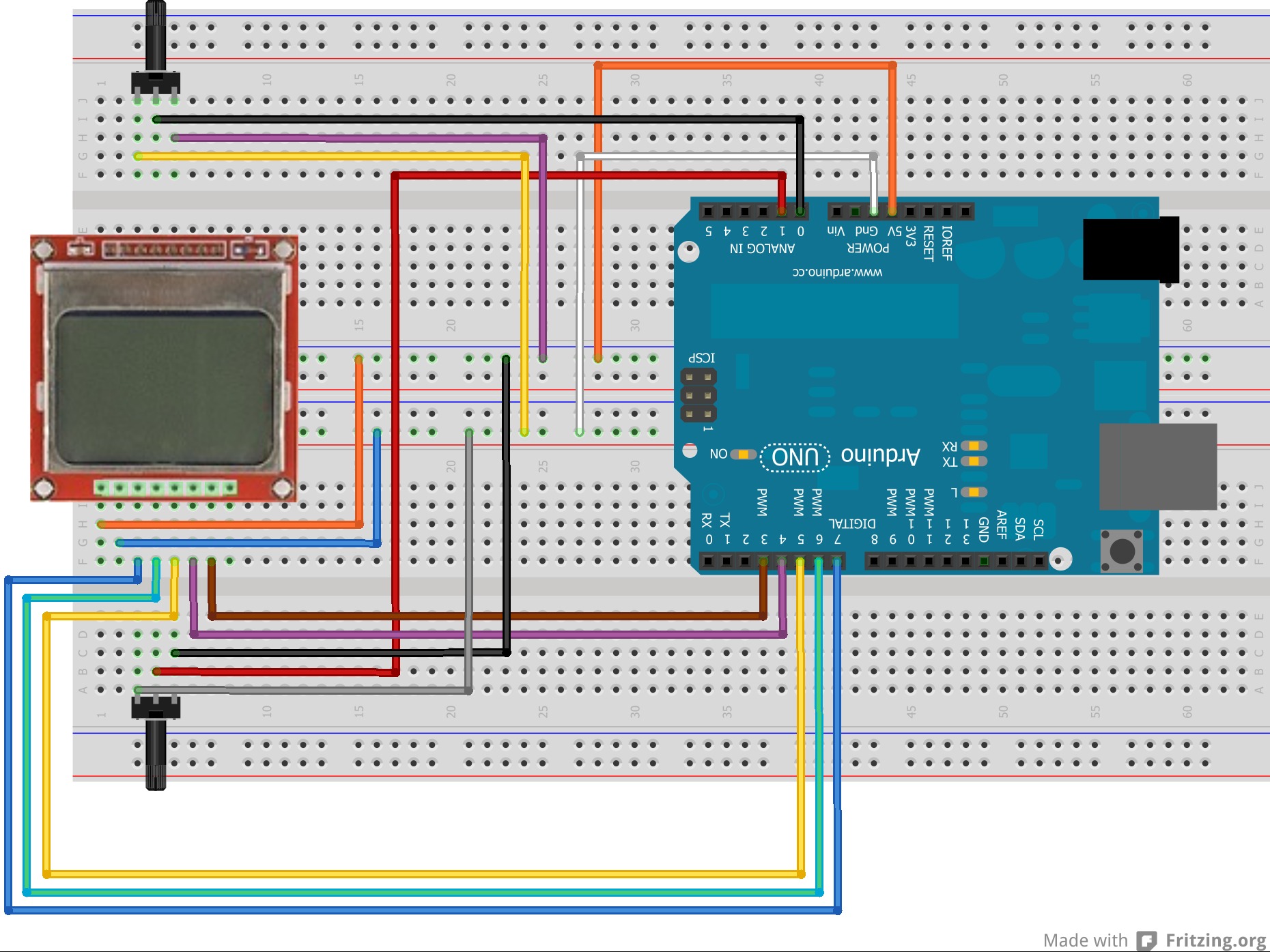
  • Connect the Arduino Uno, PCD8544 LCD screen and 2 potentiomaters as shown in the Fritzing diagram.

Step #2:

Next
2-Player Pong Game with Arduino Uno

Step #3:

Next
2-Player Pong Game with Arduino Uno

Step #4:

2-Player Pong Game with Arduino Uno2-Player Pong Game with Arduino Uno2-Player Pong Game with Arduino Uno
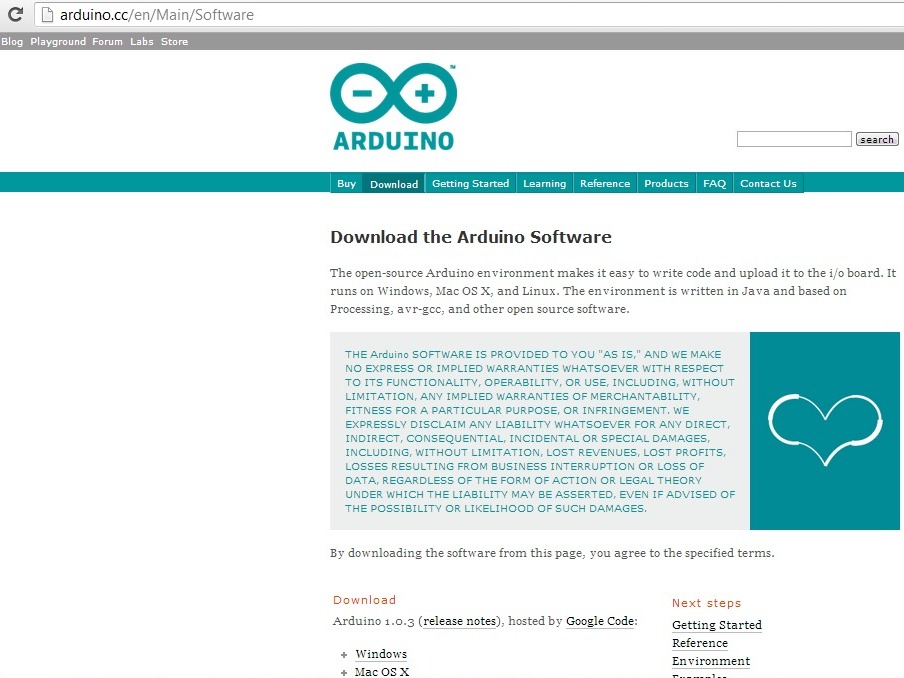
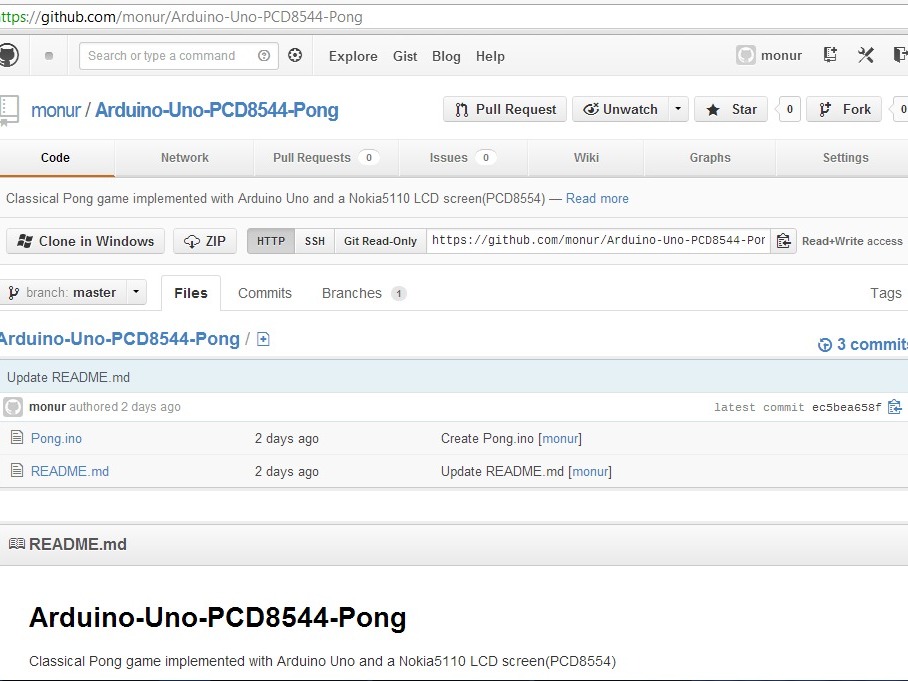
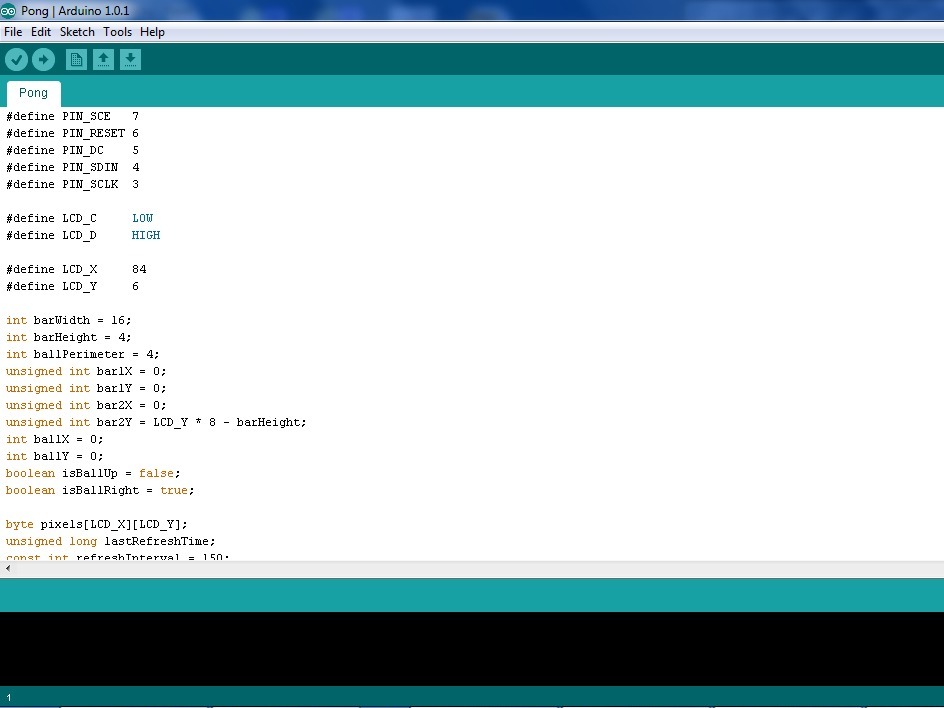
  • Open Pong.ino sketch with Arduino IDE software
  • Connect the Arduino Uno to your computer with a USB cable.
  • In the Arduino IDE software menu, select Tools->Board->Arduino Uno
  • In the Arduino IDE menu, select File->Upload or use the shortcut key combination Ctrl-U
  • The game starts in the LCD screen. You can control the bars using the potentiometers.

One Response to 2-Player Pong Game with Arduino Uno

  1. What kind of pots are used?

Leave a Reply

Fill in your details below or click an icon to log in:

WordPress.com Logo

You are commenting using your WordPress.com account. Log Out / Change )

Twitter picture

You are commenting using your Twitter account. Log Out / Change )

Facebook photo

You are commenting using your Facebook account. Log Out / Change )

Connecting to %s

%d bloggers like this: