Make: Projects

Arduino Morse Code Flasher

Demonstrates how to use an Arduino to flash a message in Morse code.
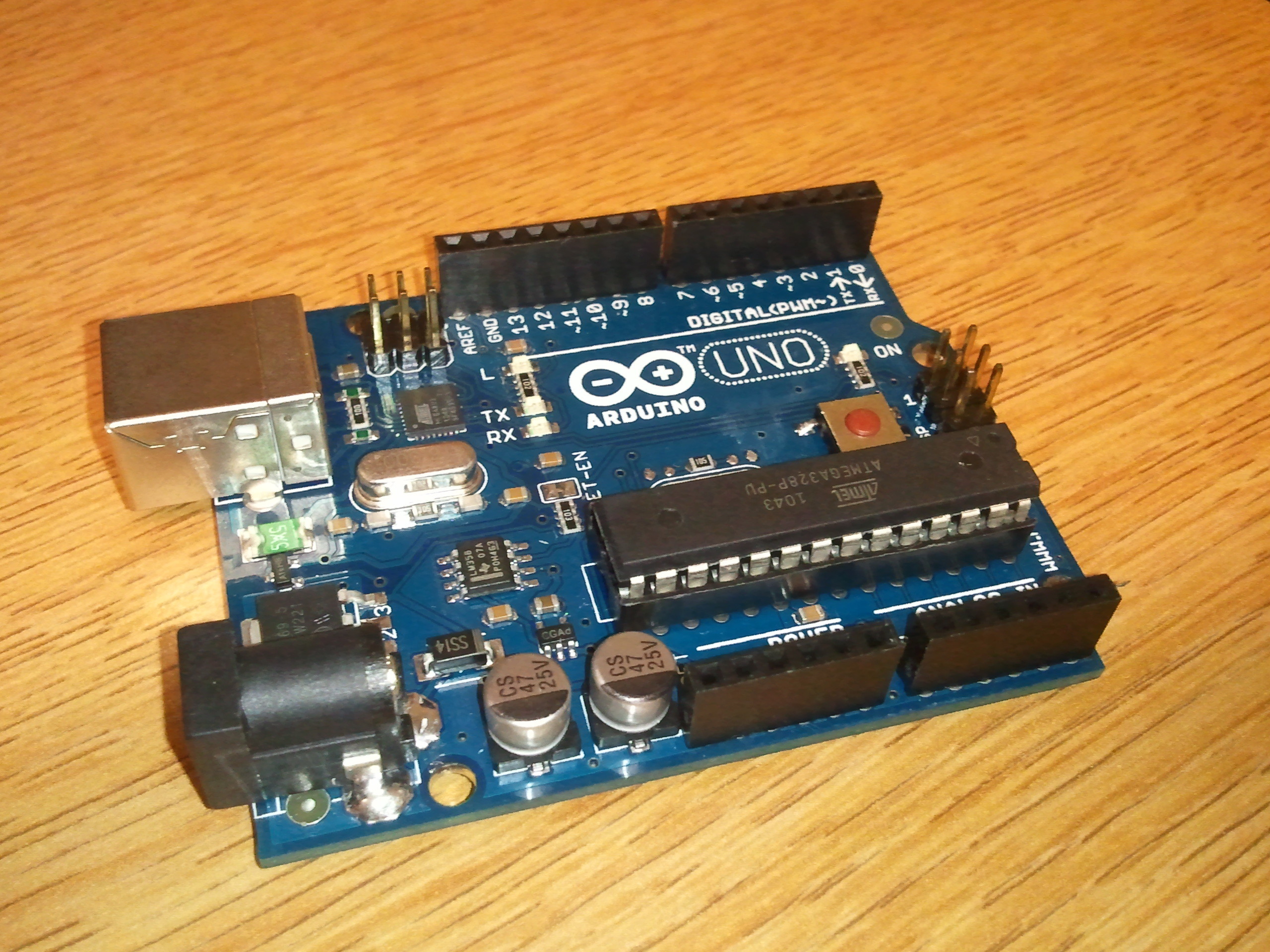
Arduino Morse Code Flasher

Arduinos are great open-source products with many uses, such as a Morse code flasher. This is a great project to begin with for people new to the Arduino.

Steps

Step #1:

Next
Arduino Morse Code Flasher
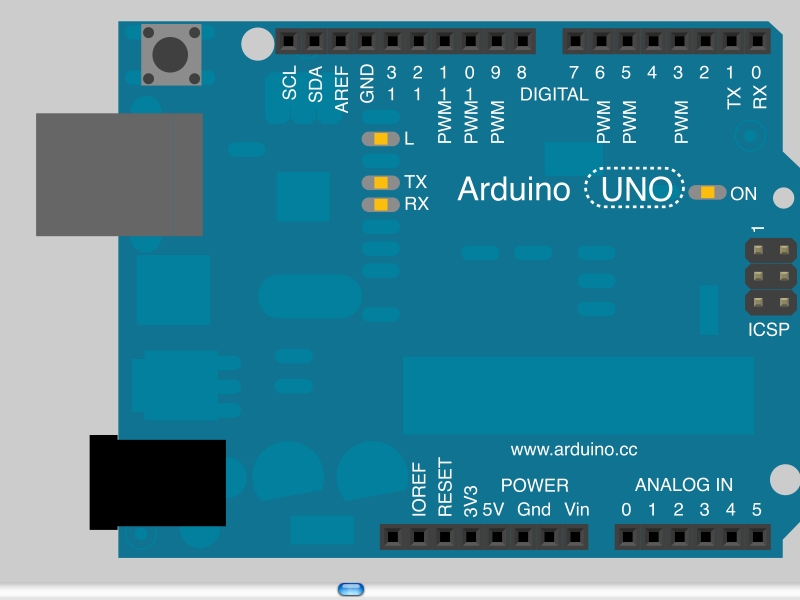
  • The parts you need are:
  • Arduino (assembled)
  • LED (unless your Arduino has a built-in LED)

Step #2:

Next
Arduino Morse Code Flasher
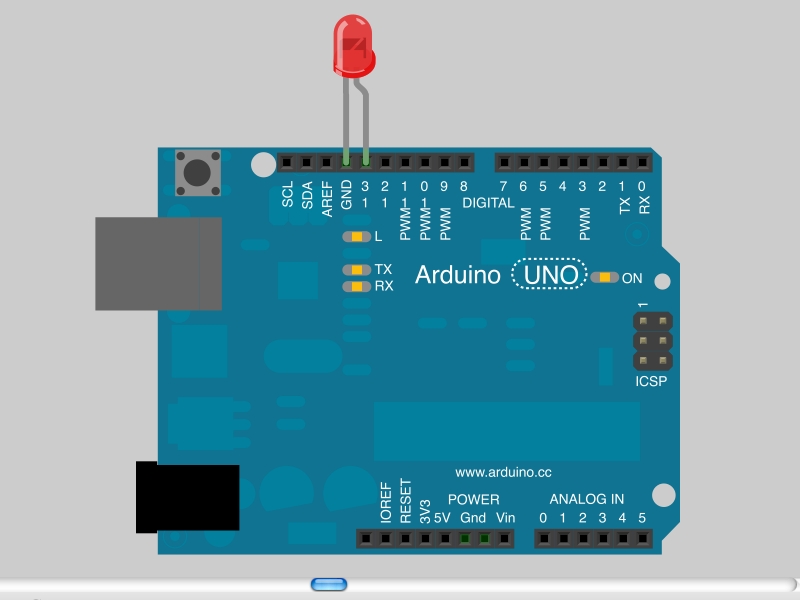
  • This step is optional. If your Arduino has a built-in LED, skip this step.
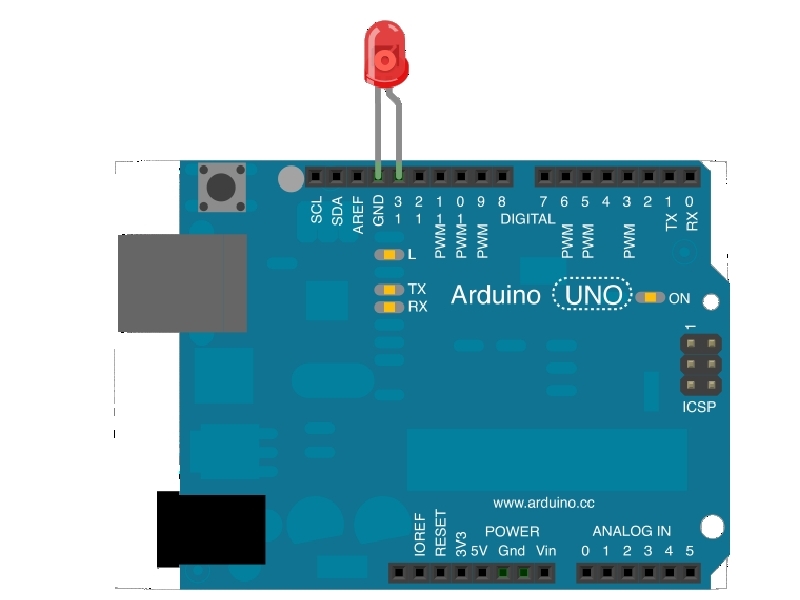
  • Insert your LED in the header socket so the longer lead (+) is in pin 13 and the short lead (-) is in ground (GND).
  • It should just push in. No soldering required!

Step #3:

Next
Arduino Morse Code Flasher
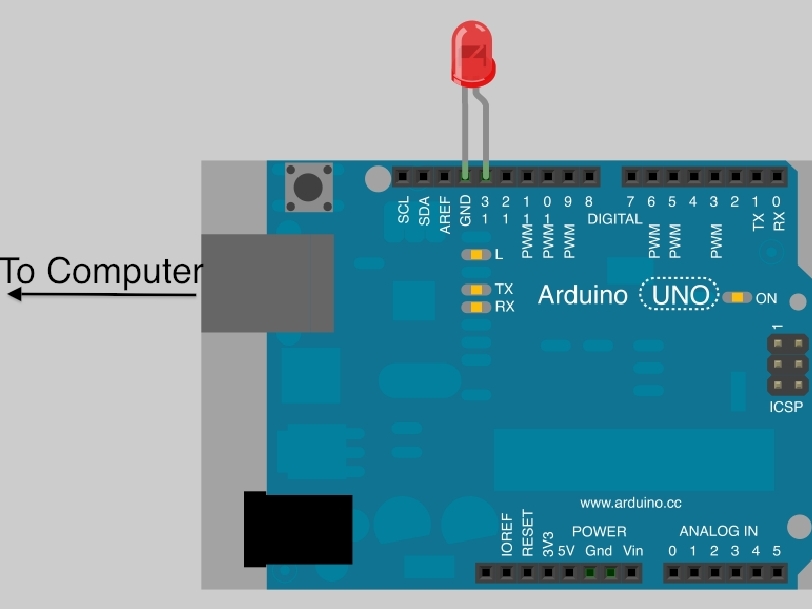
  • Plug your Arduino cable in to the Arduino and then plug the other end into the USB port on your computer.
  • After your computer has installed the device drivers (this is automatic) download the Arduino software.

Step #4:

Next
Arduino Morse Code Flasher
  • Open the Arduino software, go to Tools→Board and select your Arduino board.
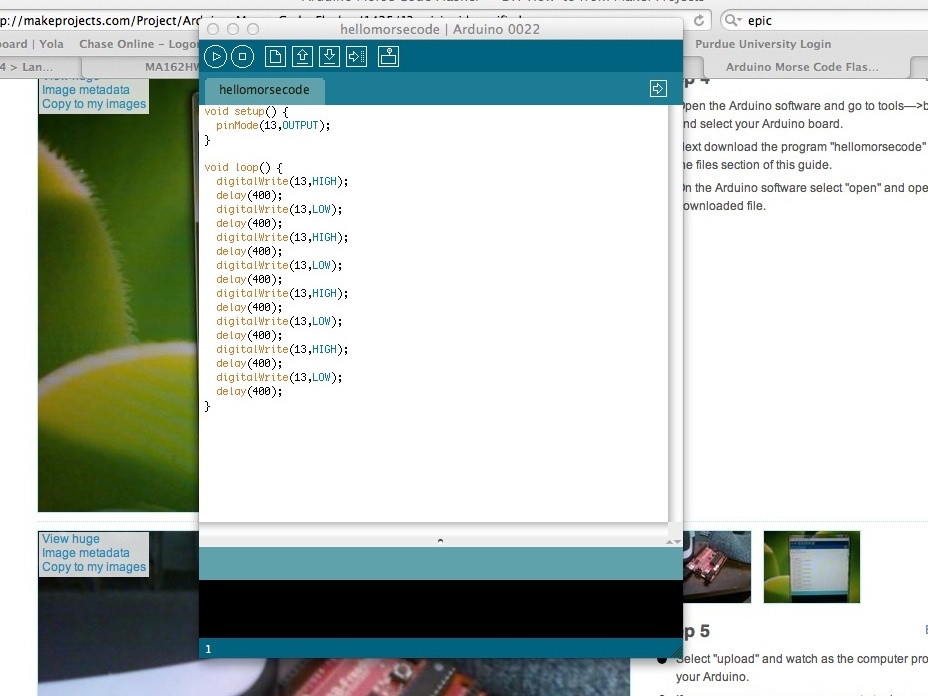
  • Next download the file hellomorsecode.pdf from the "Files" section of this guide.
  • Open the PDF file in Adobe Reader or another PDF viewer. Select all of the text in the file, copy it to the clipboard and paste it into the Arduino IDE.

Step #5:

Next
Arduino Morse Code Flasher
  • Select "upload" and watch as the computer programs your Arduino.
  • If an error message comes up, go to Tools→Serial port and see if you can get it working. (That has always been the problem for me.)

Step #6:

Arduino Morse Code Flasher
  • Watch your LED flash!
  • Pull up a Morse code alphabet on your computer and see what your Arduino is saying!! Push the reset button to start the message over.

Leave a Reply

Fill in your details below or click an icon to log in:

WordPress.com Logo

You are commenting using your WordPress.com account. Log Out / Change )

Twitter picture

You are commenting using your Twitter account. Log Out / Change )

Facebook photo

You are commenting using your Facebook account. Log Out / Change )

Connecting to %s

%d bloggers like this: